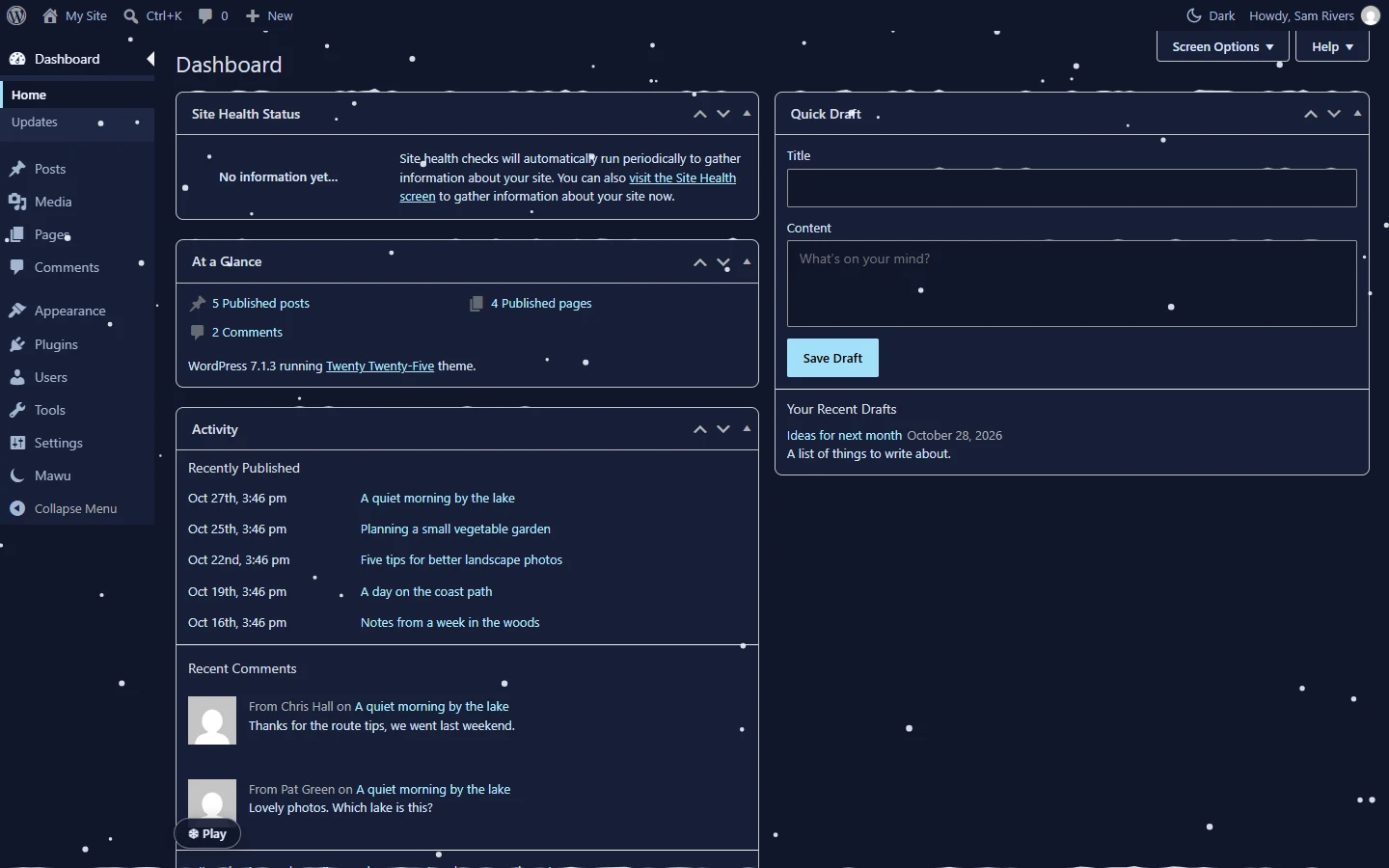
Seasonal effects add a small, playful extra to the admin. Snow falls behind your dashboard boxes with a Christmas theme, confetti with a New Year one, and ghosts and bats appear with a Halloween one. They show when you take a break and fade as soon as you work again. They are part of Mawu Pro.
Which effect, when
- Snow goes with the Christmas themes: Pine, Frost and Cranberry. Its season runs from 1 to 26 December.
- Confetti goes with the New Year themes: Gala, Fizz and Spark. Its season runs from 27 December to 6 January.
- Ghosts and bats go with the Halloween themes: Pumpkin, Haunt and Candle. Their season is October.
By default, an effect shows when you use one of its themes. Turn on Use effects based on the season to get them in season with any theme.
Open the settings
Go to Mawu, then More settings → Seasonal effects. These settings are per person and save as you change them. You can also set them on your profile.
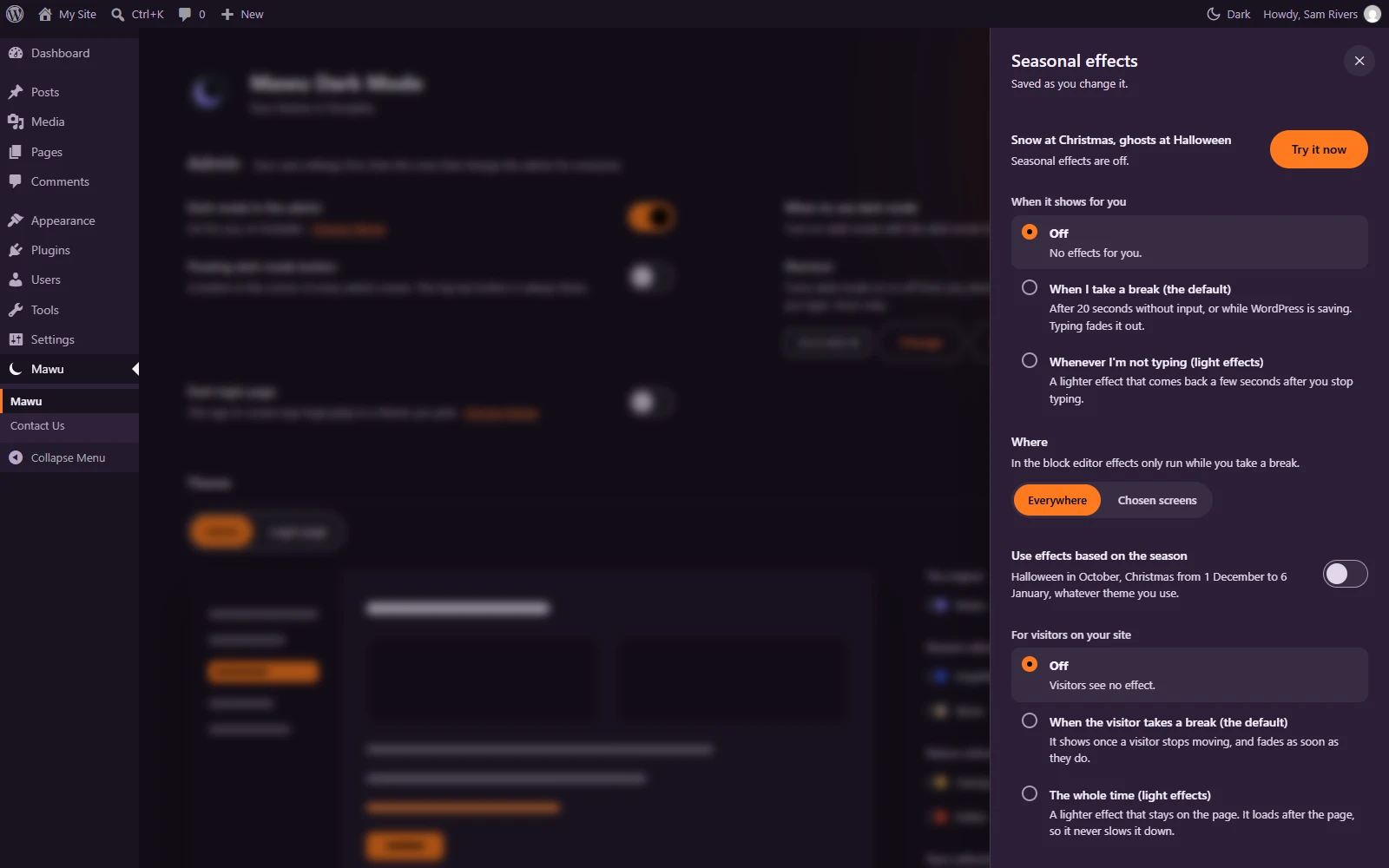
When it shows for you
- Off. No effects for you.
- When I take a break (the default). After 20 seconds without input, or while WordPress is saving. Typing fades it out.
- Whenever I’m not typing. A lighter effect that comes back a few seconds after you stop typing.
Effects never run when your device asks for reduced motion. The panel tells you when that is the case.
Where
- Everywhere (default): every admin screen.
- Chosen screens: tick the screens you want, for example Dashboard, Posts, Pages, Media, Comments, Plugins, Users, Settings and WooCommerce orders. Screens from other plugins can appear in the list too.
In the block editor, effects only run while you take a break. They never cover the writing area or text fields.
Try it now
Click Try it now to start the effect straight away and play with it: pop the snowflakes, pop the balloons, or catch the ghosts and bats. Press Esc or click Done to get back to work. If nothing applies right now, the panel says why, for example that you need a Halloween, Christmas or New Year theme.
For visitors on your site
Admins can also show the season’s effect on the public website:
- Off (default). Visitors see no effect.
- When the visitor takes a break. It shows once a visitor stops moving, and fades as soon as they move.
- The whole time. A lighter effect that stays on the page.
Visitor effects follow the theme your visitors get, and only run in season. They load after the page, so they don’t slow it down. The same setting is in the Frontend panel.