Every Way to Get Dark Mode in WordPress, Compared
Every way to get dark mode in WordPress, from the built-in colour schemes to browser tools and plugins for your admin and your visitors, with what each one covers and costs.

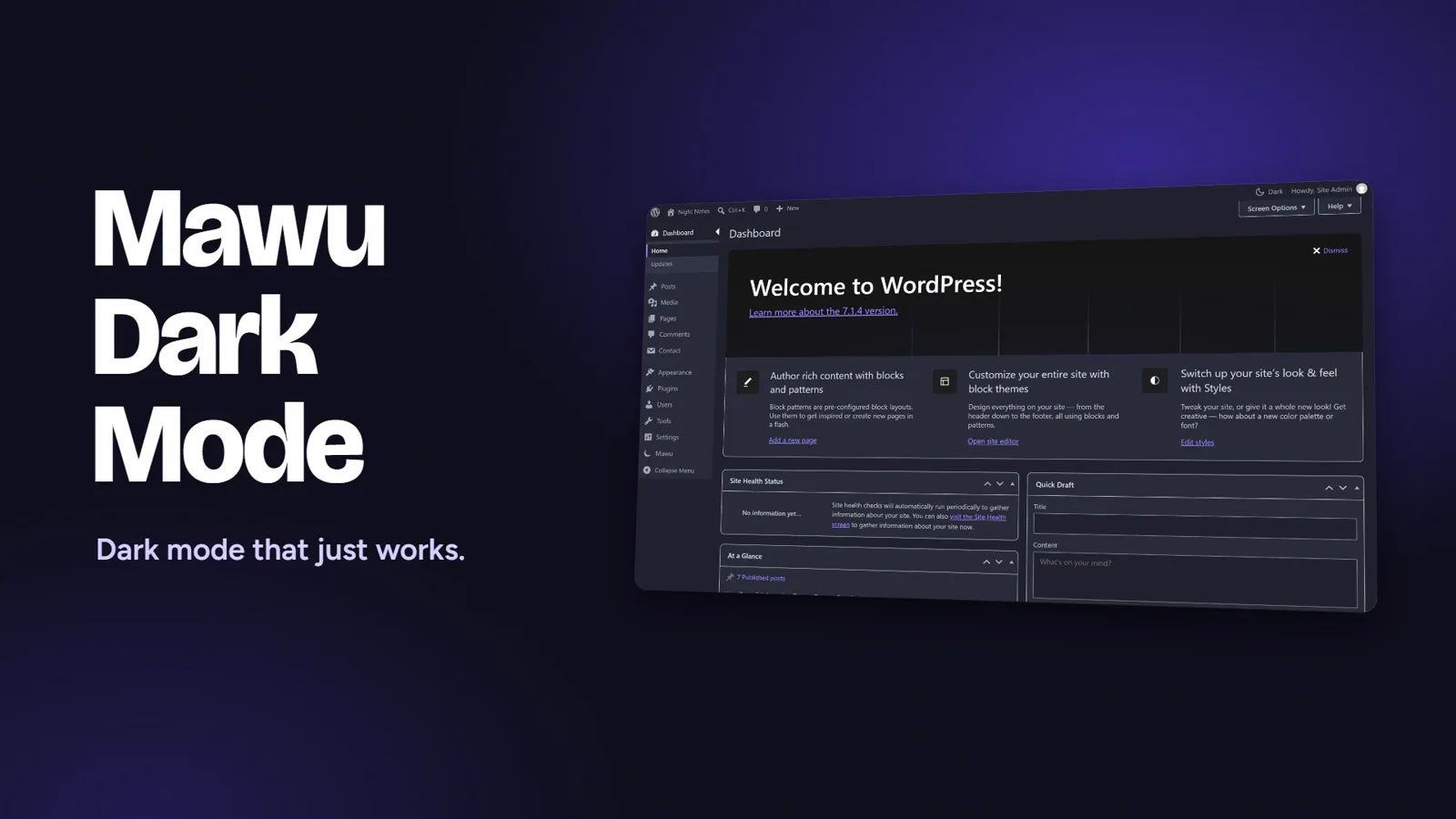
Your dashboard, both editors, the login page and other plugins' screens go dark. Your website can too, if you want. Keep any part of a page light. Free, with no account and no upsell banners.
Plans
The free plugin is complete. It never expires and never nags. Pro and Agency have a 30-day free trial, with no card needed.
Free
WordPress.org forum
Everything most sites need. Free for good.
Pro
Support by email
For a site with a brand to match or a team to manage.
30-day free trial · no payment needed · or buy now
Agency
Support by email
For people who look after client sites.
30-day free trial · no payment needed · or buy now
Prices in US dollars. You can also start a trial inside the plugin, from Mawu, then More settings, then Tools. Pro and Agency licensing runs through Freemius. See what is and is not sent.
Free, and complete
See it in action
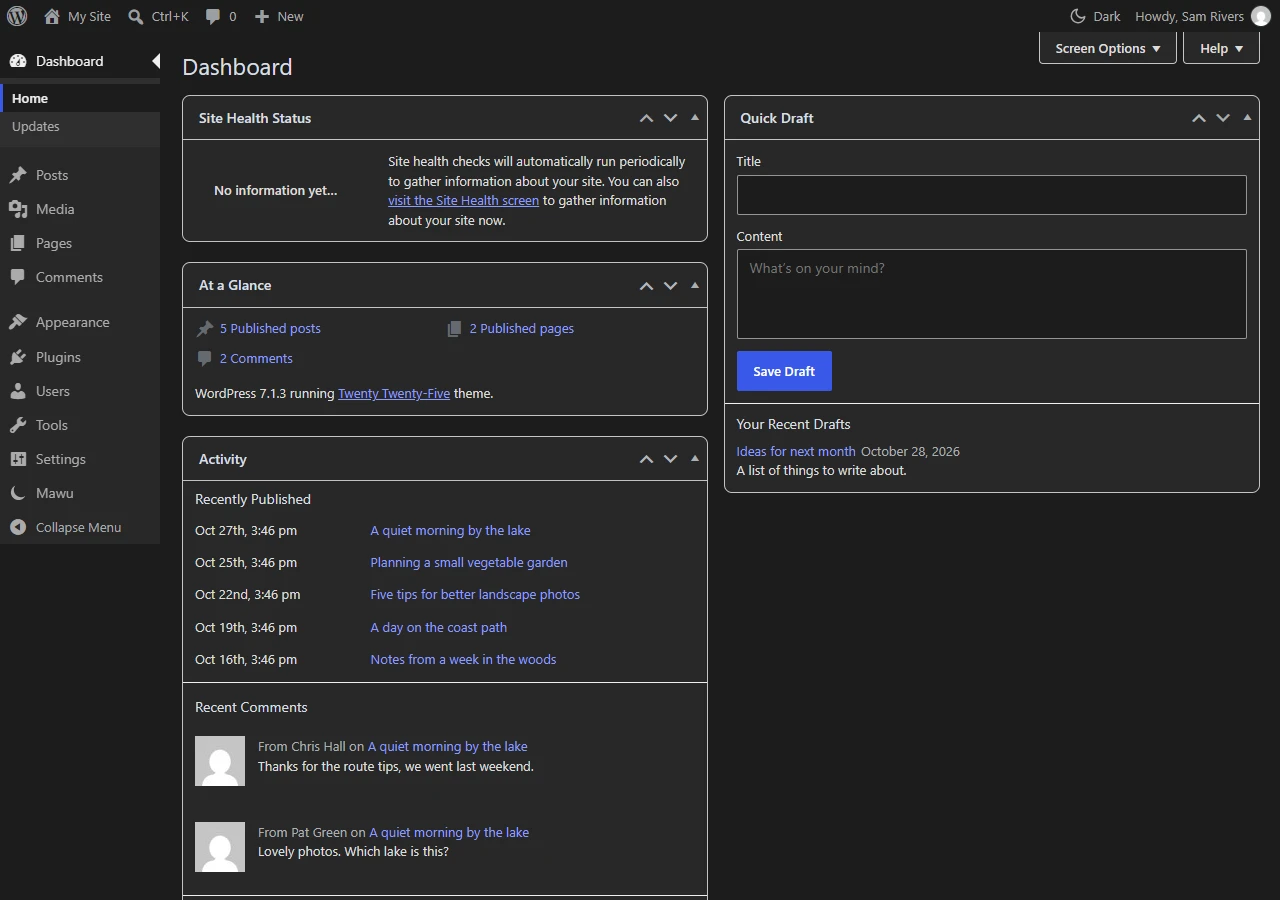
1 · Your admin
The dashboard, media library, login page and other plugins’ screens go dark. Pick from 26 themes. This one is Graphite.
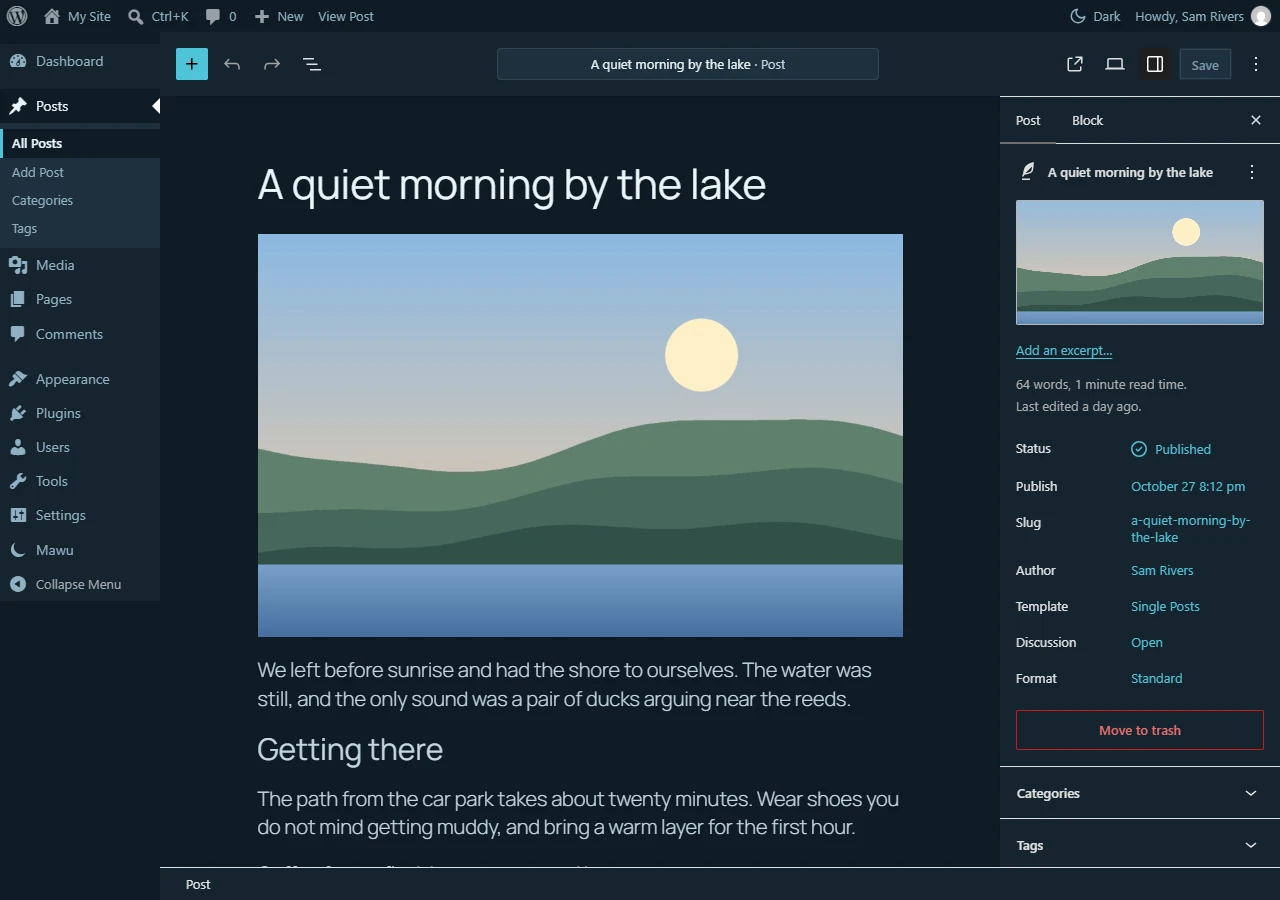
2 · Your writing
The block editor’s canvas goes dark, not only the toolbar around it. The Classic Editor too.
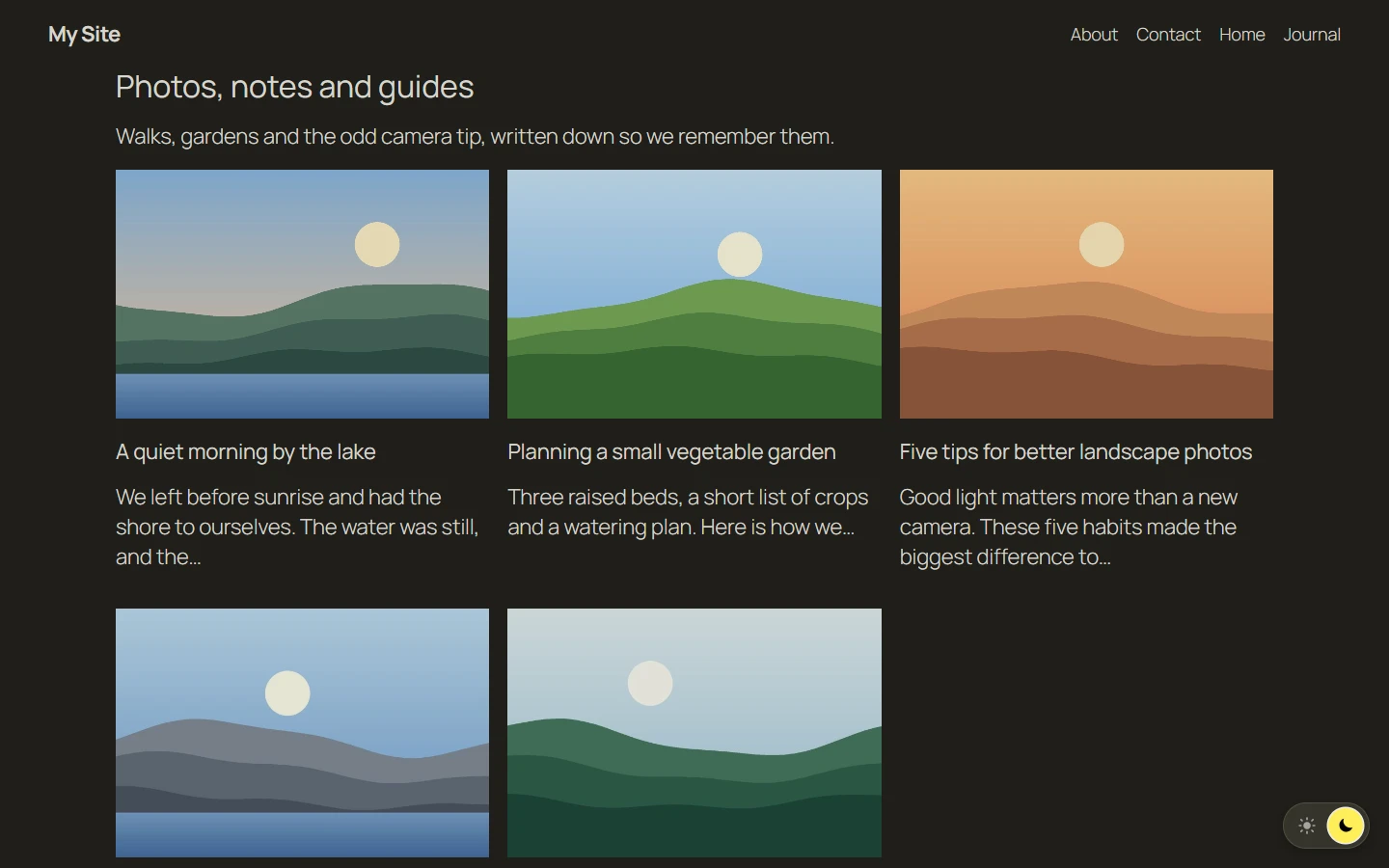
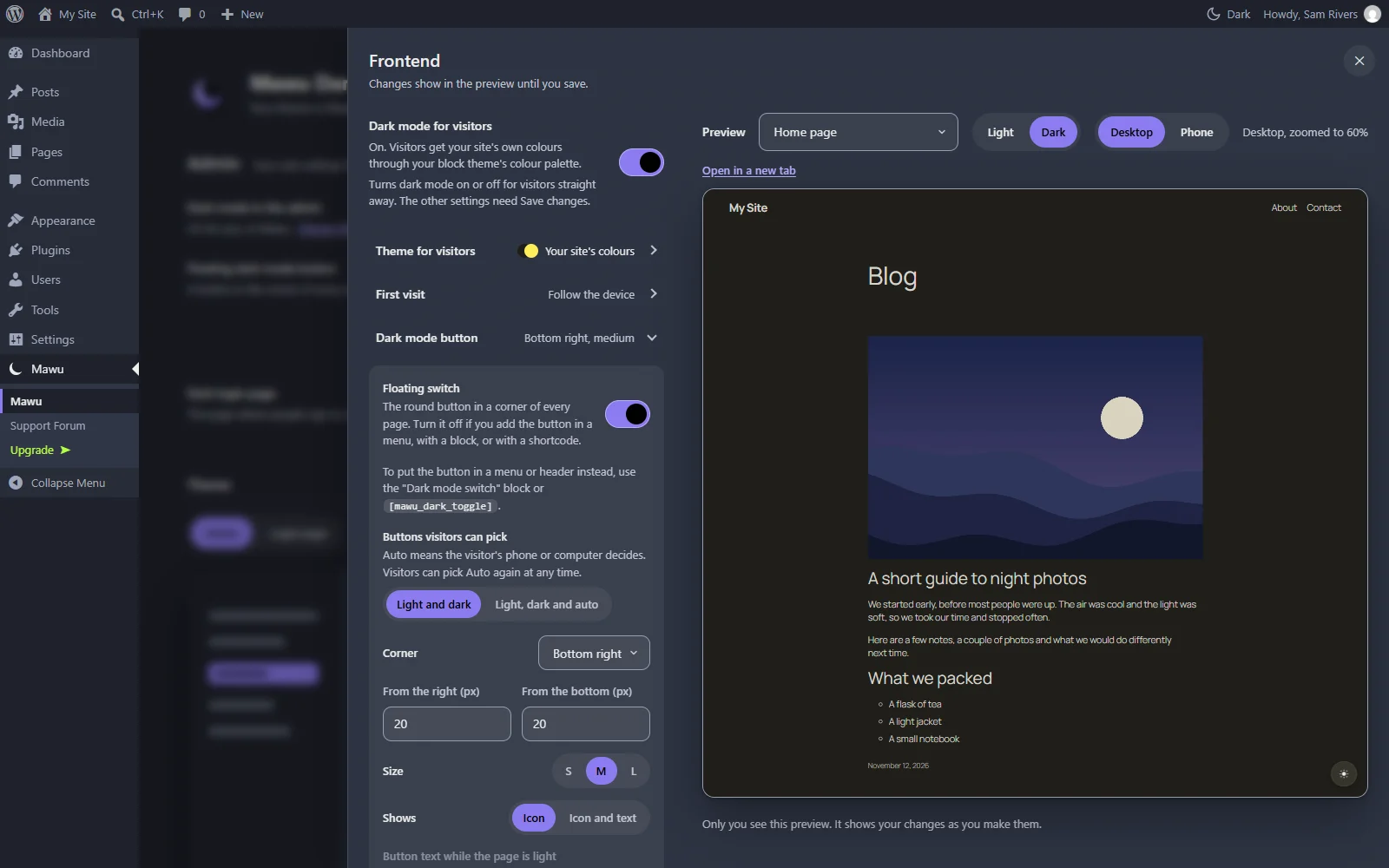
3 · Your visitors
Off until you turn it on. Visitors get a switch, photos are dimmed, never inverted, and you can keep any part light.
Pick one to see it.
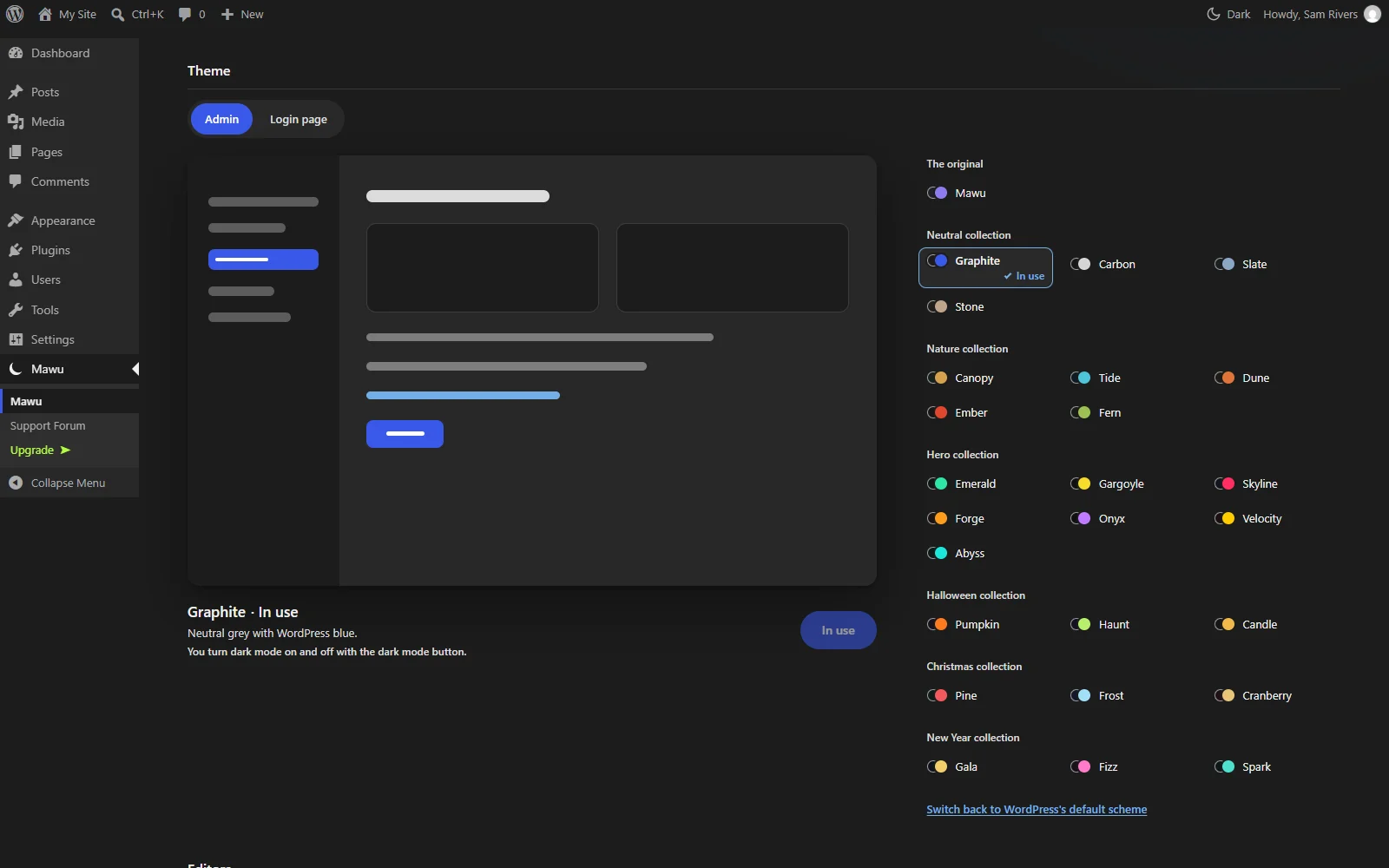
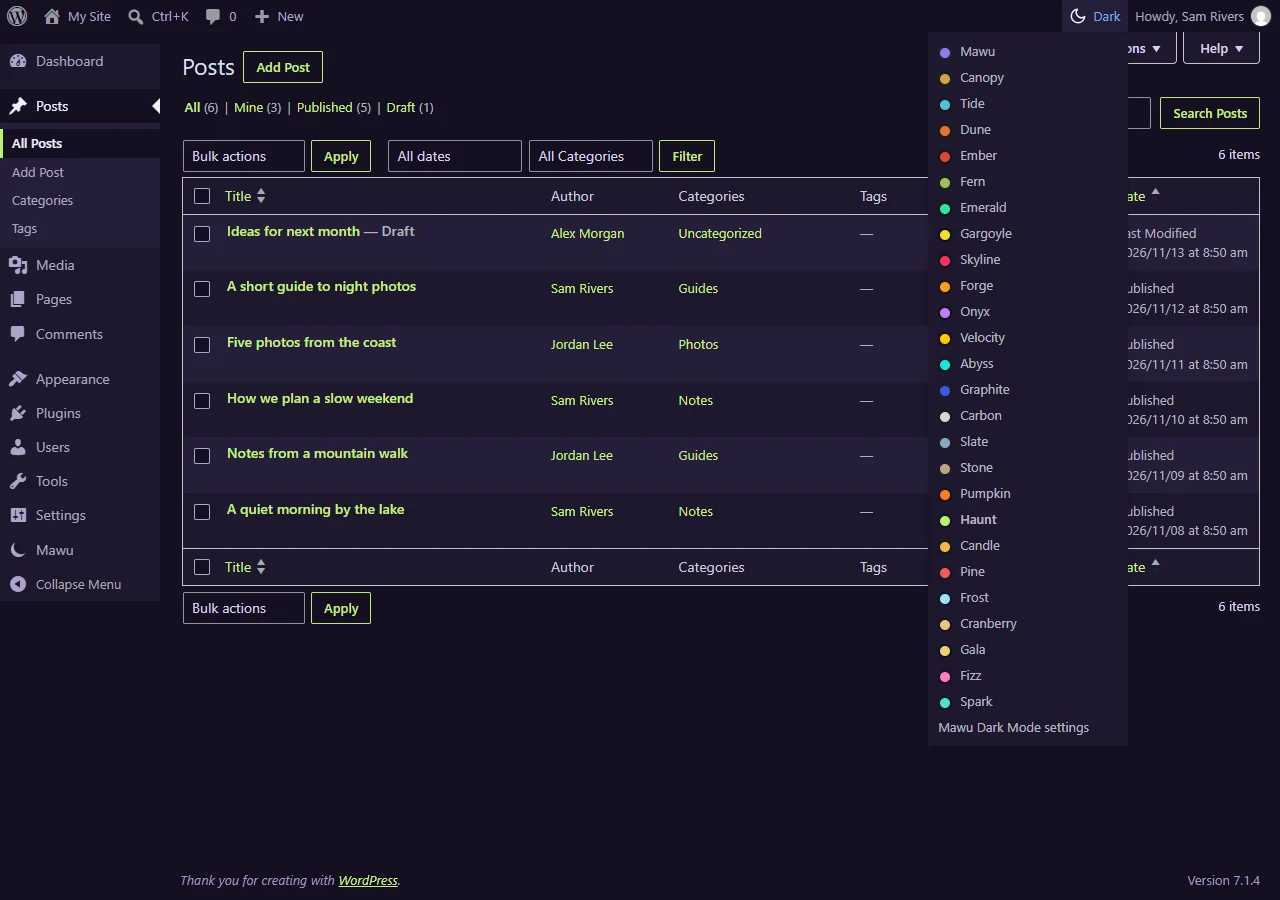
26 themes, all free
Every theme passes the same WCAG AA contrast checks. Pick a collection, then a theme. These are the plugin’s real colors.
Original collection
Neutral collection
Nature collection
Hero collection
Halloween collection
Christmas collection
New Year collection
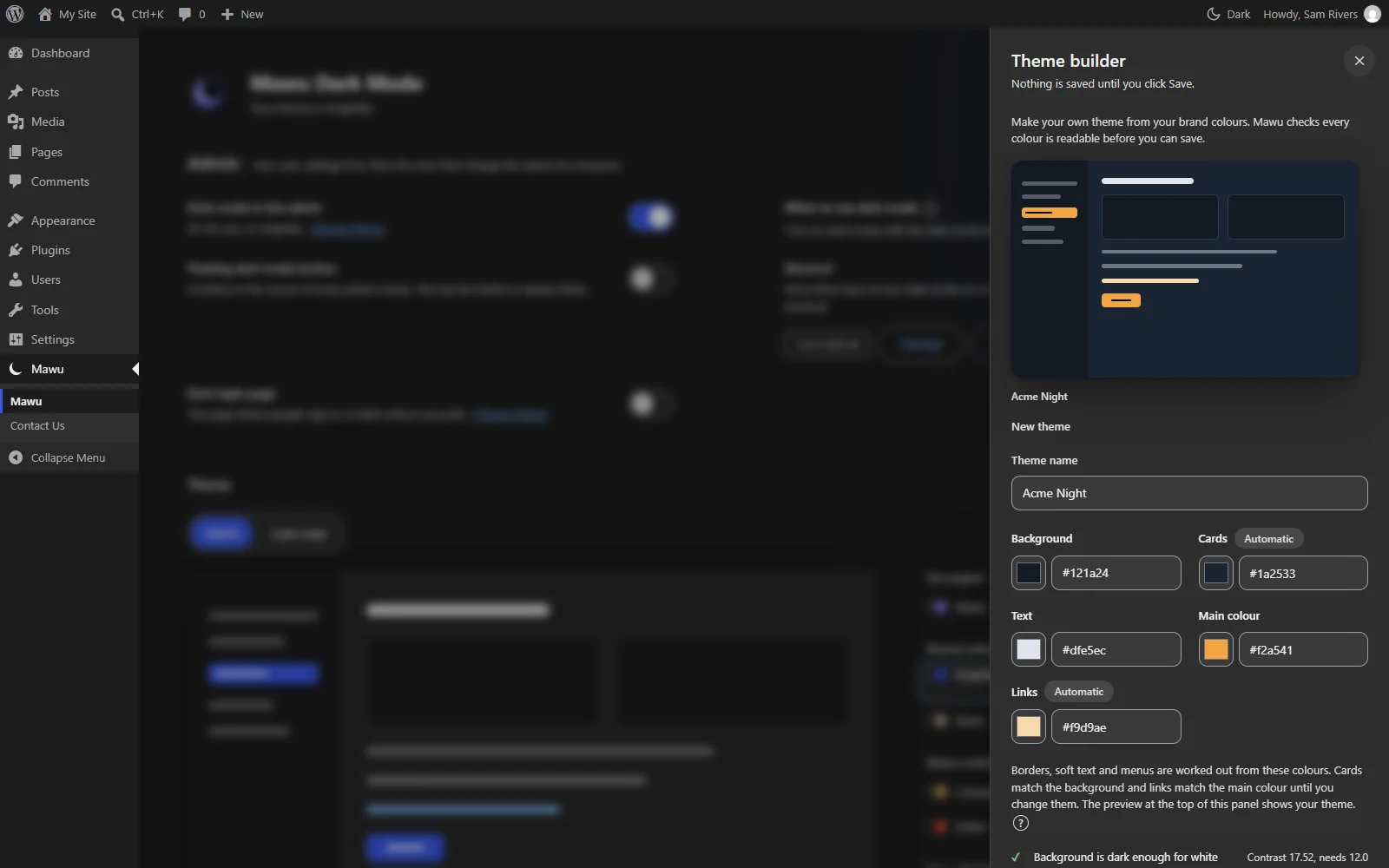
Mawu Pro adds a theme builder for your own colors. See the full theme lineup.
Questions
Not unless you turn on dark mode for visitors under Mawu, More settings, Frontend. It is free and off by default. Once it is on, visitors get a switch and your site can follow their device setting.
It works with most themes and page builders. If part of a page looks wrong, add it to the “never darken” list, and tell us in the forum. See the tested themes and plugins.
Not unless you opt in. Dark mode runs in your browser and your own WordPress install. Freemius handles Pro and Agency licensing, and you can skip its opt-in screen. A visitor's dark or light choice stays in their own browser. See the full privacy breakdown.
Yes. Your pages never change on the server. The visitor’s choice is set in their own browser, so page caches keep working. On most themes it is set before the page appears, so there is no white flash. See the few themes where part of a page can flash light.
Yes, for free. Add any element to the “never darken” list, or tick “Never darken this page” on a page. Pro can also keep chosen categories, tags and post types light.
No. There are no upsell banners across your dashboard, and no account is needed. Freemius shows one opt-in screen when you activate, and you can skip it.
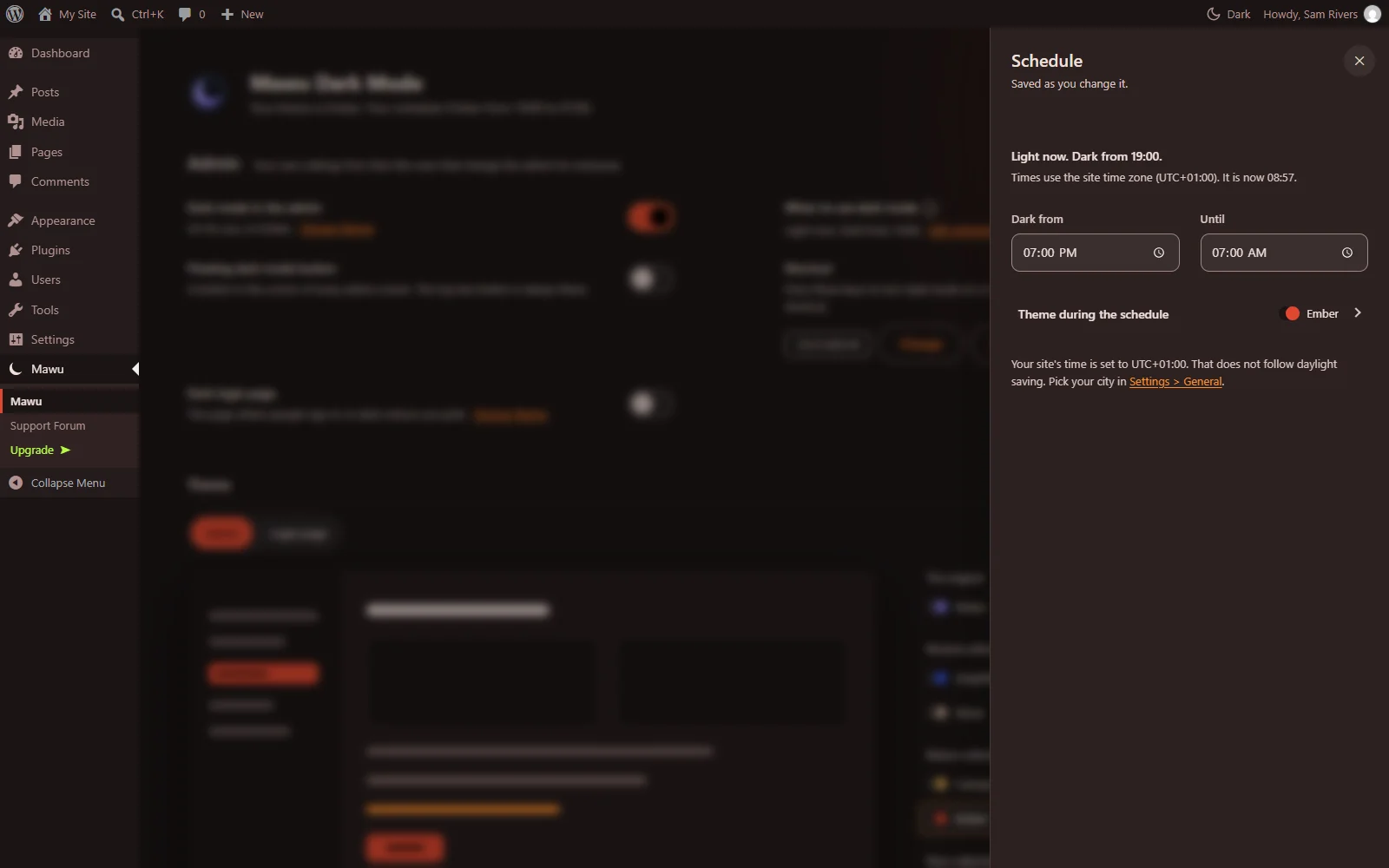
Pro adds a theme builder, intensity and OLED black, more schedules, site controls, more switch designs, dark images, seasonal effects, and a dark Customizer and page builders if you want them. Agency adds white-label, client lock, settings sync and multisite network controls. Each paid plan has a 30-day free trial with no payment needed. See the plans and prices.
Yes. The “Try it in your browser” button runs a real copy of Mawu in your browser with WordPress Playground. You don't need to install anything or make an account.
From the blog
Every way to get dark mode in WordPress, from the built-in colour schemes to browser tools and plugins for your admin and your visitors, with what each one covers and costs.
WordPress's built-in dark color schemes stop at the toolbar and sidebar. The block editor's writing canvas renders in a separate iframe they cannot reach, and the usual fix for that has its own silent failure mode. Here is the real mechanism, and what actually works.
Mawu Dark Mode 0.9.0 adds seven dark themes for the WordPress dashboard, each built around one comic book hero's signature color. Here is where each palette came from, and the contrast rules each one had to pass.